
Download DesktopPlayer – Screen Recording, Executable Video, User-Friendly Tool
Overview
DesktopPlayer is a dedicated screen recording utility designed to capture all actions performed on a computer and save them as an executable video file. Its primary purpose is to simplify the process of recording screen activity, making it accessible to users across various technical skill levels. By converting recorded sessions into standalone executable files, DesktopPlayer eliminates common compatibility issues associated with standard video formats. This functionality is particularly beneficial for users who need to share recordings across different systems without requiring additional software or codecs.
The app targets a diverse range of users, including educators creating instructional content, professionals demonstrating software workflows, and technical support teams providing troubleshooting guides. Its straightforward design ensures that even those with minimal experience can begin recording with minimal setup. The developer did not provide additional technical details about the background or history of the application, nor were specific development goals disclosed. However, the app’s enduring presence since its release in 2007 suggests a stable, functional core that continues to meet basic recording needs.
Within the broader app ecosystem, DesktopPlayer occupies a niche role as a lightweight, self-contained recording solution. Unlike many modern screen recorders that rely on external players or cloud-based processing, this tool maintains full independence through its executable output. This makes it a reliable option for environments with restricted software installation policies or limited internet access.
Key Features & Functionality
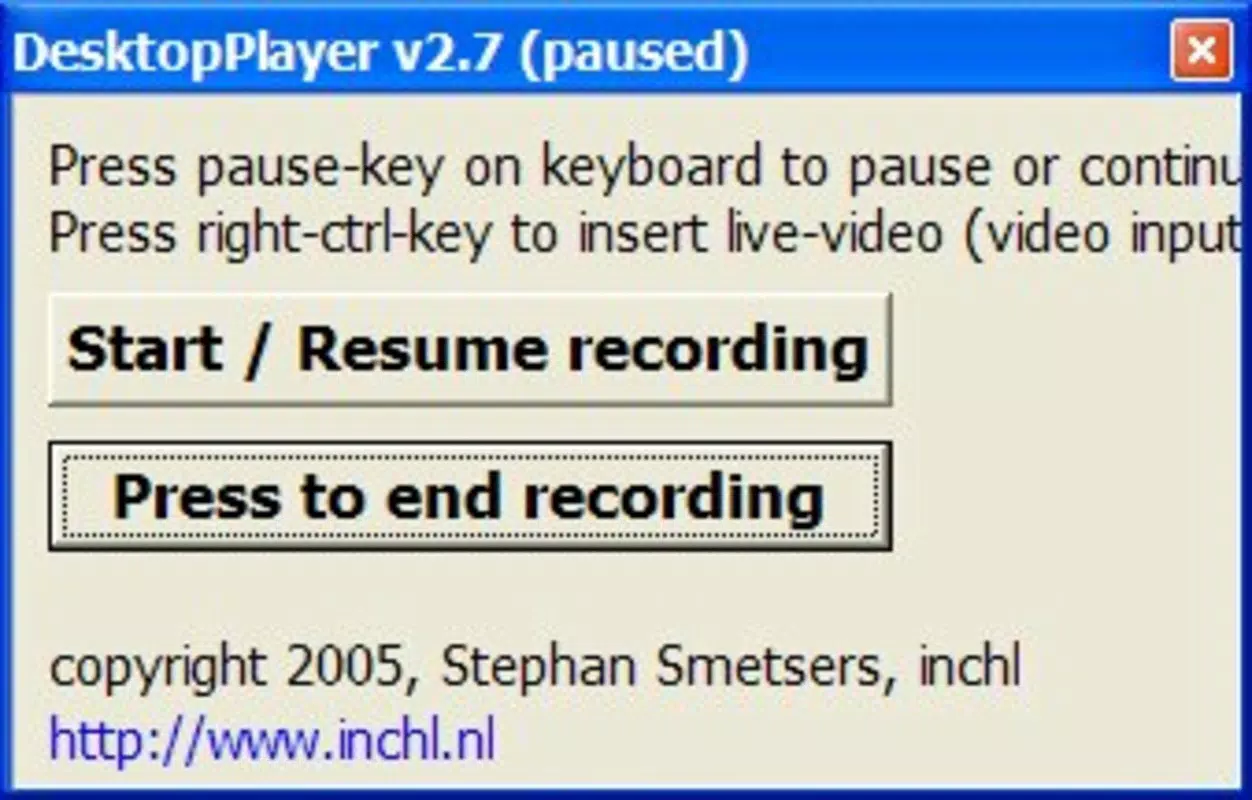
- User-Friendly Interface: All recording options are consolidated into a single window, minimizing clutter and enabling intuitive navigation. Users can access start, stop, and save functions without navigating through multiple menus, streamlining the recording workflow.
- Executable Output File: Instead of generating standard video files like MP4 or AVI, DesktopPlayer produces an executable (.exe) file. This ensures that recordings can be played on any computer, regardless of installed media software or operating system version.
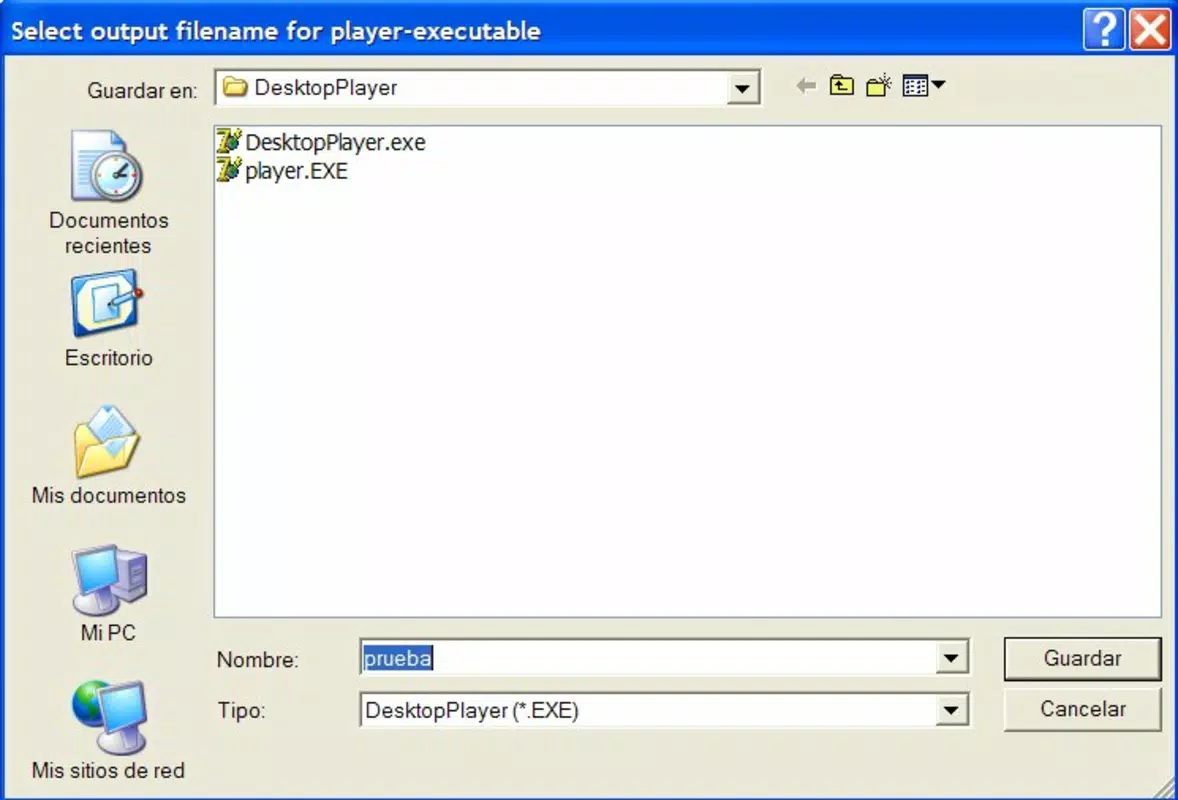
- Simple Recording Process: Starting a recording requires only a filename input and a single click. The process is fully controllable in real time, allowing users to stop recording at any moment, which is ideal for capturing dynamic or unpredictable workflows.
- No Additional Software Required: Since the output is an executable, there is no dependency on external video players or codecs. This reduces friction during sharing and playback, especially in corporate or educational environments where software installation is restricted.
For example, a teacher can record a step-by-step tutorial, save it as an executable, and distribute it to students who can run it directly on their machines. Similarly, a support technician can demonstrate a fix and send a self-running file that requires no setup. The ability to embed the recording into a standalone file enhances portability and reduces the risk of playback failure due to missing components.
Interface, UX & Performance
DesktopPlayer features a minimalistic interface that presents all essential controls within a single window, promoting ease of use. The layout is clean and functional, with clearly labeled buttons for starting and stopping recordings, naming files, and saving outputs. Navigation is straightforward, relying on direct interaction rather than layered menus or hidden settings.
Although the developer did not list formal performance metrics, the app appears optimized for basic screen recording tasks. It is designed to operate efficiently without consuming excessive system resources, which is crucial for maintaining smooth performance during long recording sessions. The responsiveness of the interface is consistent with its lightweight nature, allowing users to initiate and halt recordings with minimal delay.
Stability is a key strength, especially considering the app’s long-standing presence since 2007. While specific device compatibility details were not disclosed, the application’s reliance on standard system-level functions suggests broad compatibility across various Windows-based systems. Users can expect consistent behavior across different hardware configurations, provided the underlying OS supports the executable format.
Platform Compatibility & Technical Requirements
DesktopPlayer is designed for use on Windows operating systems. The specific version requirements were not listed by the developer. The app’s file size is 2.8 MB, indicating a lightweight footprint that minimizes storage impact. The latest version available is not specified, though the application has been in use since its release on April 2, 2007.
The developer did not specify minimum OS requirements, nor did they detail hardware specifications or dependencies. This lack of information suggests that the app may be compatible with older Windows versions, given its long history. However, users should exercise caution when deploying on modern systems, as legacy executables may face security restrictions or compatibility challenges.
Pros and Cons
Pros
- Simple, intuitive interface with all functions in one window
- Generates self-running executable files for universal playback
- Eliminates need for external video players or codecs
- Minimal system resource usage and small file size
- Long-standing presence indicates reliability and stability
Cons
- Outdated release date raises concerns about modern OS compatibility
- No official updates or version history provided
- Executable output may trigger antivirus warnings due to file type
- Limited customization options for recording settings
- Unsupported on non-Windows platforms
FAQ
Is DesktopPlayer safe to download and use?
DesktopPlayer is a legitimate tool with a long history. However, because it produces executable files, some antivirus programs may flag it as suspicious. Users should verify the source and scan the file before installation.
Can I use DesktopPlayer on macOS or Linux?
The developer did not provide information about cross-platform support. Based on its Windows-specific design, it is not compatible with macOS or Linux systems.
Do I need to install additional software to play the recordings?
No. The recordings are saved as executable files, which can be run directly on any compatible computer without requiring a video player or codec.
How do I start and stop a recording?
Open the app, enter a filename, and click the start button. Recording can be stopped at any time by clicking the stop button, and the file is automatically saved.
Is DesktopPlayer free to download?
While the pricing information was not provided, the app has been available for many years without a known cost. Users should confirm current availability and licensing terms from the official source.
Final Thoughts
DesktopPlayer stands out as a unique solution in the screen recording space, offering a self-contained playback experience through its executable output format. Despite its age and lack of recent updates, its core functionality remains relevant for users who prioritize compatibility and simplicity over advanced features. It is especially useful in environments where software installation is restricted or where consistent playback across diverse systems is essential.
While modern alternatives may offer more sophisticated tools, DesktopPlayer delivers a reliable, no-frills approach to screen recording. Its minimal resource usage and straightforward workflow make it a practical choice for educators, trainers, and technical professionals. For those seeking a secure, standalone recording tool that requires no additional software, DesktopPlayer remains a viable option.
Download DesktopPlayer now


